
PC Store Together Diagnosis Flowchart: Symptom to Fix
A practical PC Store Together diagnosis flowchart: start from the customer's symptom, test in cost order, confirm the fault and close the repair ticket.
Quick answer: Start with the symptom the customer reports, split it into power, display, beep, shutdown or performance, then test from the cheapest suspect to the most expensive. Confirm the fix with a load test before you close the ticket.
Official source: PC Store Together on Steam ↗
A repair ticket gives you one sentence: "it just stopped working." The flowchart below turns that sentence into a sequence of tests. It is deliberately ordered by cost, so you do not replace a motherboard to fix a loose cable. For the full no-boot branch, see the won't boot guide→.
The flowchart in one table
| Customer says | First test | If it passes | Likely fault |
|---|---|---|---|
| "It won't turn on" | PSU switch, cable, outlet | Front-panel connection | PSU or board |
| "It turns on but the screen is black" | Reseat GPU, check monitor cable | Reseat memory | GPU, memory or monitor |
| "It beeps" | Count the beeps | Reseat memory | Memory seating |
| "It shuts down when I play" | Watch temperature under load | Check PSU peak draw | Cooling or PSU |
| "It's slow" | Check storage health | Check memory pairing | Storage or memory |
| "It's full of pop-ups" | Run the virus scan | Remove threats | Malware |
Start at the row that matches the sentence. Do not run every test; run the first one that can explain the symptom.
Step 1: classify the symptom
Ask yourself which of five categories the machine is in:
- No power. Nothing spins, nothing lights.
- No display. Fans spin, screen stays dark.
- Beep code. The board is telling you where post stopped.
- Shutdown. The machine starts and dies.
- Performance or software. The machine runs but is slow or infected.
The category decides the first test. A no-power ticket and a no-display ticket have different cheap checks.
Step 2: test from cheapest to most expensive
The order is not about likelihood. It is about cost:
- Free: reseat cables, reseat the card, reseat memory, check the monitor input.
- Cheap: replace a fan, replace thermal paste, swap a known-good PSU.
- Expensive: replace the GPU, board or CPU.
If a free test fixes the machine, stop. You have found the fault and saved the customer money, which is good for reputation and good for the shop.
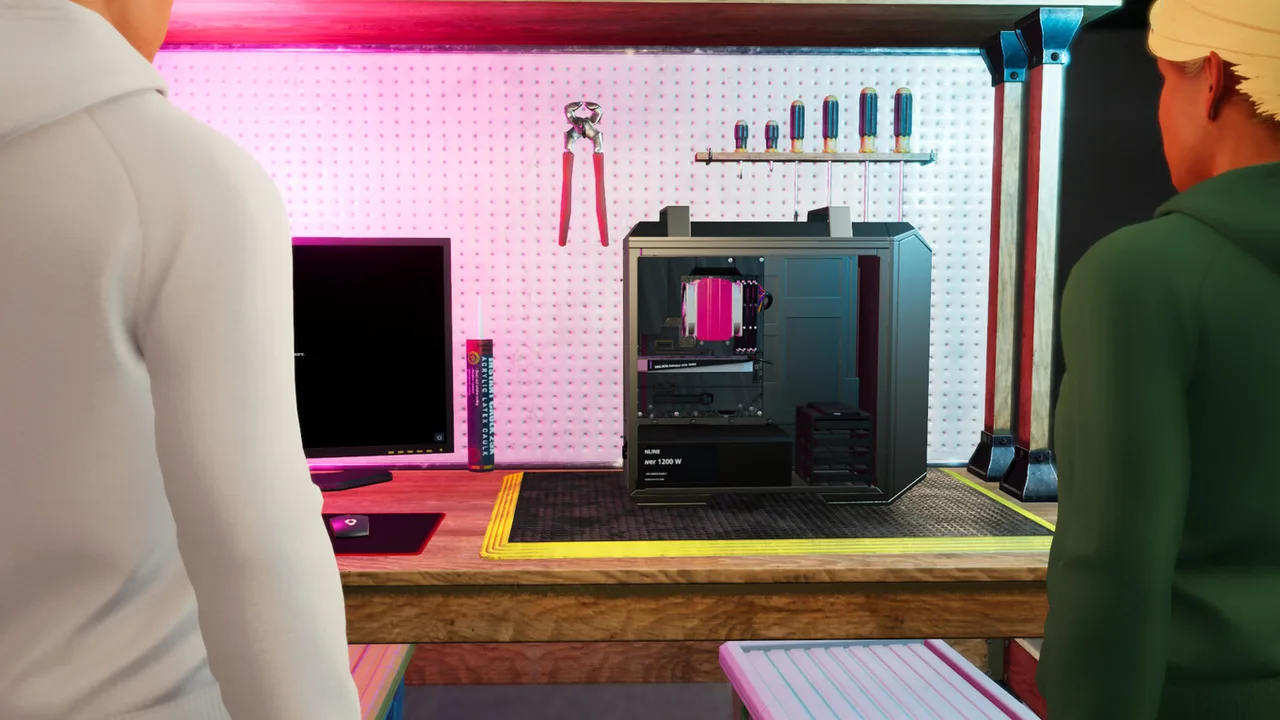
Step 3: confirm the repair
A machine that posts is not fixed. Confirm with:
- Idle check: the machine stays on and the temperature is sane.
- Load test: the machine survives the full benchmark without throttling or shutting down.
- The original symptom: the customer's complaint is gone, not just masked.
If the load test fails, go back one step. A repair that only works at idle will come back as a return.
Step 4: close the ticket
When the machine is stable:
- Complete every objective on the repair ticket.
- Send the ready message.
- Wait for the collection to be booked.
- Hand the machine over and take payment.
The repair orders guide→ covers the handover sequence and the objectives players miss.
Diagnosis rules that hold for every ticket
- One change at a time. Multiple swaps hide the cause.
- Test the symptom, not the part. The customer's complaint is the target.
- Do not skip the load test. Idle is not a repair.
- Write down what you changed. If the machine comes back, you need the history.
- Do not overcharge for a cheap fix. Reputation is the shop's long-term currency.
Replacing parts until the symptom disappears costs margin and teaches you nothing. Follow the branch.
Worked example: the black-screen build
A customer says the machine turns on but the monitor is black.
- Check the monitor cable and input. Free.
- Reseat the GPU. Free.
- Check the GPU power cable. Free.
- Reseat the memory and try one stick. Free.
- Swap in a known-good GPU. Cheap test if the shop has one.
- Test the PSU. Only if the card is known-good and still dark.
Most black-screen tickets end at step 2 or 4. The flowchart keeps you there instead of jumping to a new board.
FAQ
Where should I start a repair? With the customer's exact symptom. Classify it, then run the cheapest test that can explain it.
Do I need to test every part? No. Test until the symptom is explained, then confirm with a load test.
What if the customer describes two symptoms? Fix the one that stops the machine from working first. The second may disappear with the same repair.
When do I replace instead of repair? When the part is below the build's requirements or the repair costs more than the customer will pay. The diagnosis is still the same.
Sources and further reading
- PC Store Together on Steam ↗ — diagnosis and repair features.
- PC Store Together news hub ↗ — repair-related patch notes.
- Sykes Games ↗ — developer site.
- PC Store Together on SteamDB ↗ — version history.