
PC Store Together Money Guide: Build, Repair, Repeat
Make money in PC Store Together: balance repairs and custom builds, keep cash for parts, avoid dead stock and reinvest in the shop at the right time.
Quick answer: Repairs pay the bills, custom builds make the margin and services fill the gaps. Keep enough cash for the next parts order, avoid stock you cannot sell and reinvest in the shop only when the current bench is full.
Official source: PC Store Together on Steam ↗
The shop's balance is not a score; it is working capital. Every dollar in a box of keyboards is a dollar that cannot buy a GPU for the next build. The players who grow fastest are not the ones with the biggest single sale. They are the ones who keep the bench busy and the cash moving. For the price side, see the pricing guide→.
The three income streams
Repairs
Steady, low capital, reputation-friendly. A repair ticket pays for the diagnosis and the part, and it brings the customer back for upgrades.
Custom builds
Higher margin, higher capital, slower. A build ties up parts until the customer pays, so do not start one you cannot finish.
Services
Dust, paste and virus jobs. Low parts cost, quick bench time, and they fill the gap between bigger jobs.
A shop that only builds runs out of cash. A shop that only repairs never grows. Run all three.
The cash rules
- Keep a parts buffer. Do not spend the last of the cash on a display build.
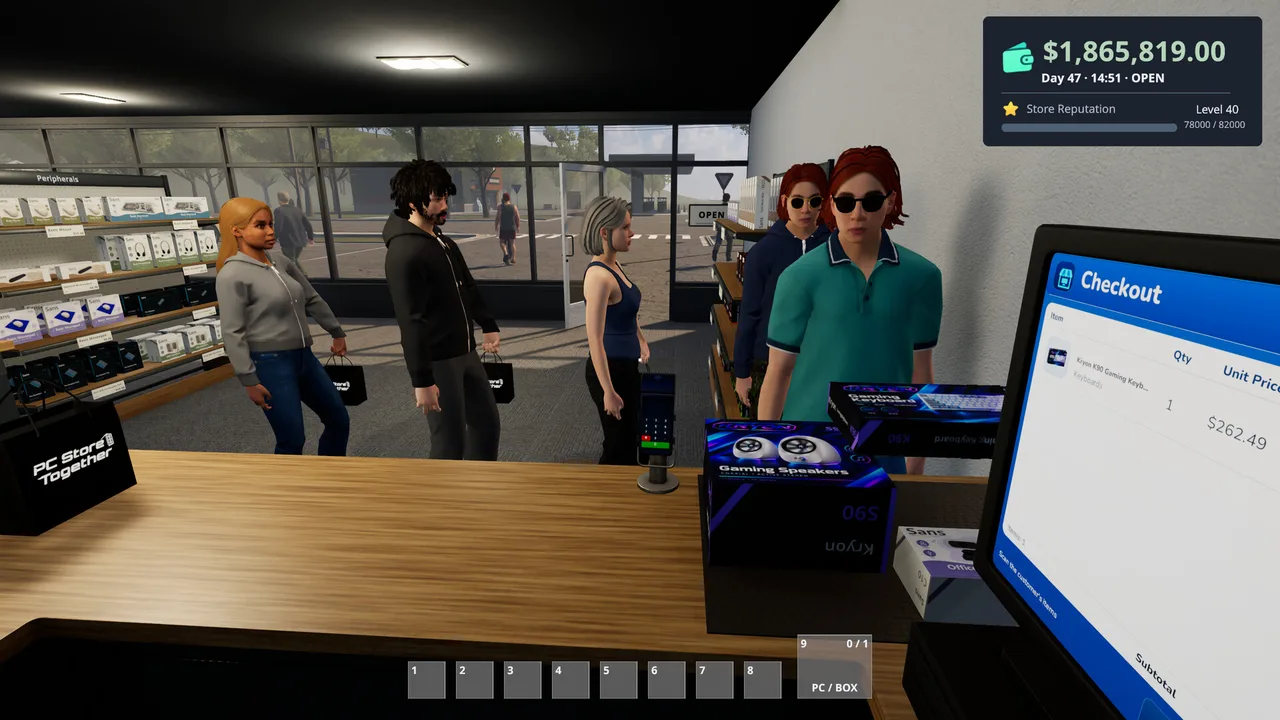
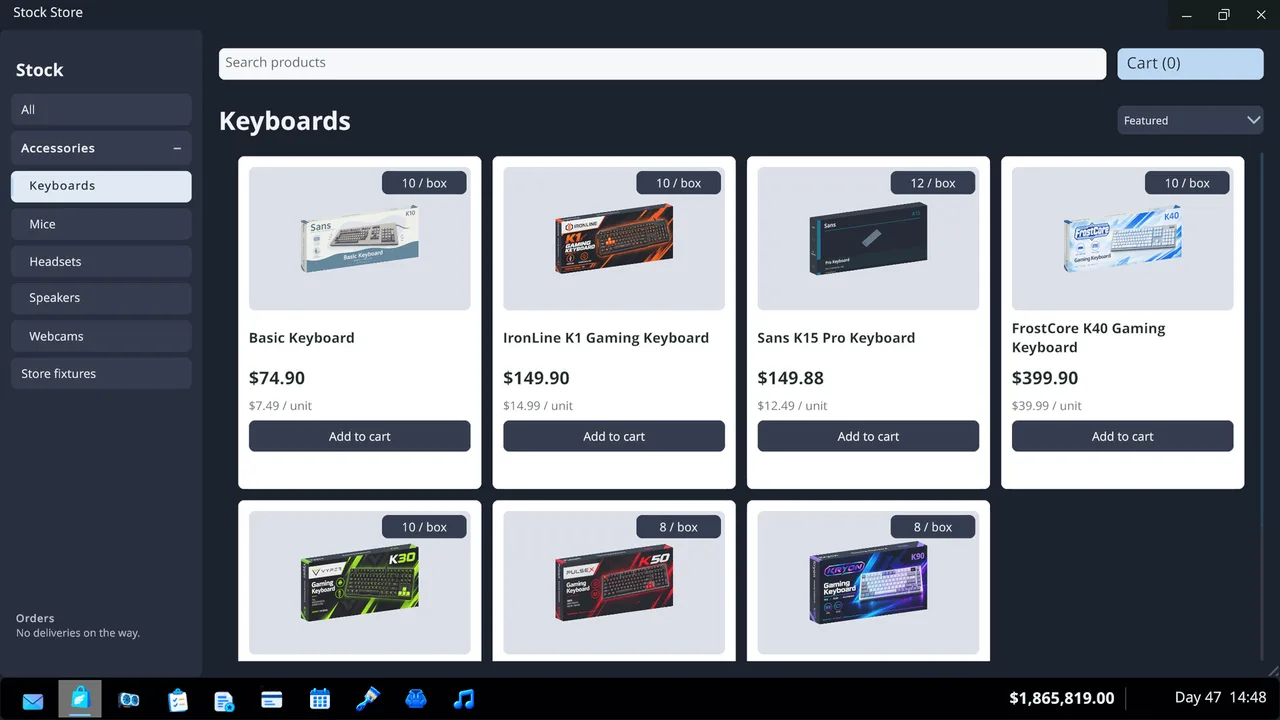
- Do not stock what nobody asked for. A box of ten keyboards is ten sales you have not made.
- Finish before you start. A second open build is a second set of parts you cannot sell.
- Reinvest after a proven job. Upgrade the bench when the bench is the bottleneck.
- Price for margin, not for volume. Busy and broke is still broke.
What to spend on first
- Bench capacity: more builds and repairs at once.
- Test equipment: faster, more reliable diagnosis.
- Display space: a place to sell finished machines.
- Stock: only the parts your customers actually buy.
The shop upgrades guide→ covers the order.
Reading the day
At the end of a day, ask:
- Did I finish every job I started?
- Did I sell a build, or only repair?
- Did I buy stock I cannot use this week?
- Is the bench clear for tomorrow?
If the answer to the last question is no, stop buying and finish the work.
Reputation is money
Reputation unlocks better parts and better customers. It comes from completed jobs, not from big price tags. A cheap repair done well can be worth more than a premium build that gets refused.
Do not chase a single high-price sale at the cost of a queue of small jobs. The queue compounds.
When to expand
Expand when:
- The bench is consistently full.
- The cash buffer survives the purchase.
- The new station has work waiting for it.
- The display area has machines ready to sell.
Do not expand because an upgrade is available. An empty second bench costs money and earns nothing.
A shelf of unsold boxes looks like inventory and behaves like a hole in the balance. Order what customers ask for.
FAQ
What makes the most money in PC Store Together? Custom builds have the highest margin, repairs have the most reliable cash flow and services fill the gaps. Run all three.
Should I buy stock in bulk? Only when customers are already buying it. Bulk saves per unit but ties up cash.
When should I upgrade the shop? When the current bench is full and the cash buffer can absorb the cost.
Why is my balance growing slowly? Probably unfinished jobs or dead stock. Clear the bench and stop buying parts you do not need.
Sources and further reading
- PC Store Together on Steam ↗ — shop-management features.
- PC Store Together news hub ↗ — economy and display fixes.
- Sykes Games ↗ — developer site.
- PC Store Together on SteamDB ↗ — update history.