
PC Store Together Repair Orders: From Ticket to Handover
Complete PC Store Together repair orders: read the ticket, test the symptom, tick every objective, send the ready message and finish the handover for payment.
Quick answer: A repair order is finished only when every objective is ticked, the machine passes a load test, the ready message is sent and the customer collects it. Missing one objective keeps the ticket open and the payment waiting.
Official source: PC Store Together on Steam ↗
Repair orders are the steady income of the shop. They are also where new players lose money, because a ticket can look finished while one hidden objective is still open. The customer is not being difficult; the game is checking the job. This page covers the full sequence. For the fault-finding itself, use the diagnosis flowchart→.
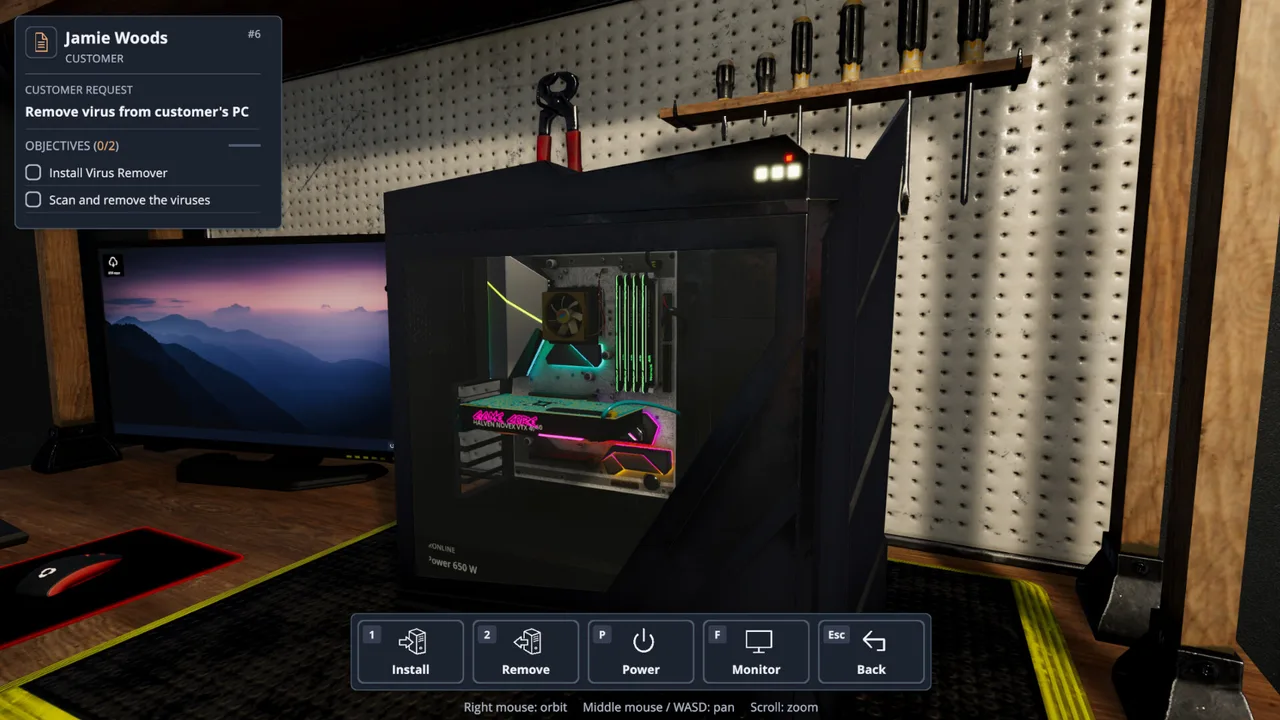
Read the ticket before you open the case
The ticket tells you:
- What the customer noticed.
- What the job includes.
- Which objectives count as complete.
Read all of it. A ticket that says "clean the dust" may also require a paste change or a temperature check. If you only do the visible part, the customer will not collect.
The repair sequence
- Accept the job and put the machine on the bench.
- Reproduce the symptom. If you cannot reproduce it, test the subsystem anyway.
- Diagnose before replacing. Follow the symptom, not the parts list.
- Do the work. Replace, clean, reseat or upgrade as the ticket requires.
- Tick every objective. Check the list twice.
- Run the load test. Confirm the machine is stable under load.
- Send the ready message.
- Wait for the collection to be booked.
- Hand over the machine and take payment.
The handover is a step, not a formality. A machine can sit on the bench fully repaired and still not pay until the customer is told and the collection is arranged.
The objectives players miss
- Testing after the fix. The ticket wants proof, not a replaced part.
- Reconnecting a cable. A fan or front-panel cable left unplugged fails the check.
- Refitting the panel. A machine handed over open is not finished.
- Cleaning the old paste. A paste service includes removing the old layer.
- Checking the second fault. Some machines have more than one problem; the ticket may list both.
The launch patches added notes and fixes for several repair edge cases, including multi-stick memory jobs and parts moved to a different same-type slot. Read the repair notes in the ticket; they are there to stop a job stalling.
Ready message and collection
When the work is done:
- Send the ready message from the ticket.
- The customer books a collection time.
- Be at the counter or use the handover interaction when they arrive.
- Take payment and close the ticket.
If the customer is not ready, the machine stays on the bench. Do not start another job that needs the same bench space unless you have a second station.
Repairs versus custom builds
Repairs pay sooner and need less capital. Builds pay more but tie up parts and bench time. A healthy shop runs both:
- Repairs cover the day-to-day and build reputation.
- Builds create the big margins and display pieces.
- Services like dust and virus jobs fill the gaps.
The money guide→ covers the balance.
When a repair goes wrong
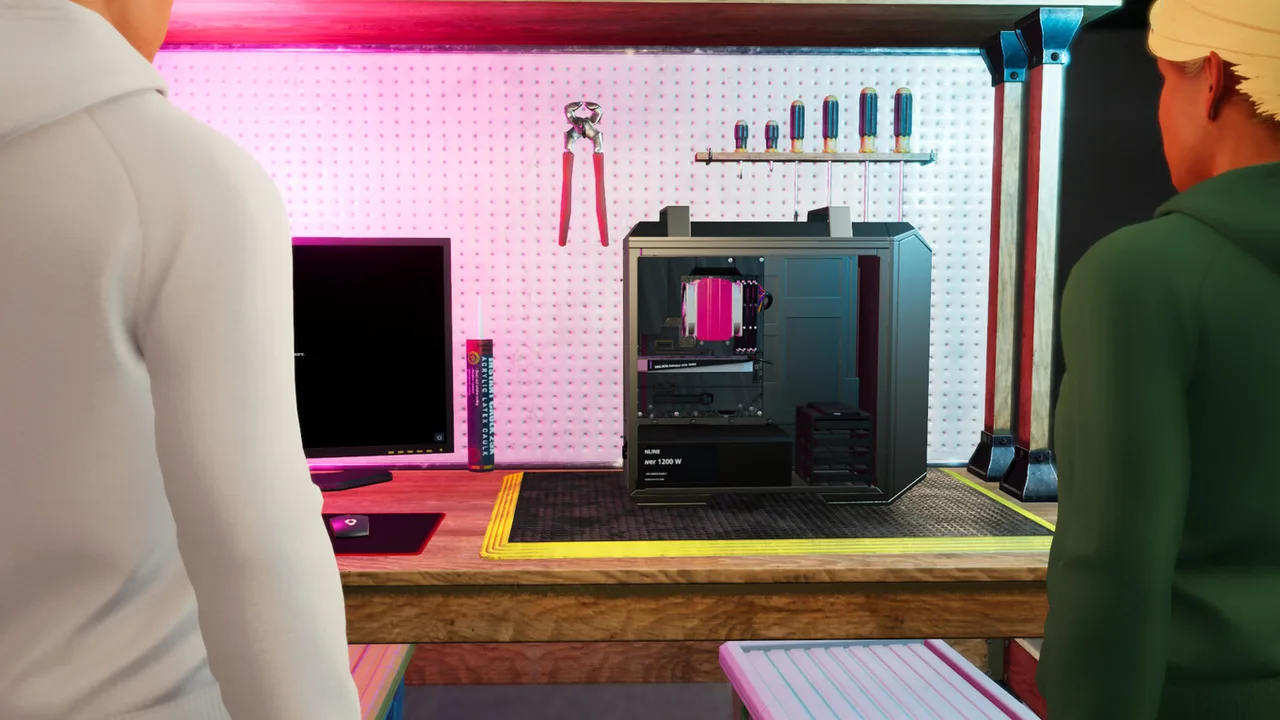
- The symptom returns: the diagnosis missed a second fault. Reopen the machine and test again.
- The customer refuses the machine: check the objectives and the price. A refused handover is usually an unmet objective or an overprice.
- The ticket will not complete: read the objective list line by line. One unchecked item is enough.
- The part does not fit: check compatibility before forcing it. A repair can fail on the same four rules as a build.
The customer will accept it, take it home and bring it back. Run the load test before the ready message.
FAQ
Why won't my repair order complete? At least one objective is unchecked. Read the ticket list, confirm the machine is tested and check that the panel and cables are refitted.
Do I need to send a message before handover? Yes. The customer needs the ready message and a collection booking before the handover step.
Can I keep the customer's old part? The ticket defines what happens to replaced parts. If the customer wants the old part back, fit it in the machine or return it as the job requires.
Do repairs need a load test? Yes. A repair that only works at idle is not finished.
Sources and further reading
- PC Store Together on Steam ↗ — repair-order features.
- PC Store Together news hub ↗ — hotfixes for repair objectives.
- Sykes Games ↗ — developer site.
- PC Store Together on SteamDB ↗ — patch history.