
PC Store Together Overheating: 95°C and 100°C
Fix overheating in PC Store Together: read the temperature graph, reseat the cooler, replace thermal paste, improve airflow and stop the 100°C shutdown.
Quick answer: At 95 °C the CPU throttles; at 100 °C the machine shuts down. Fix it by checking cooler seating first, then thermal paste, then case airflow. A cooler that is the right size but not seated behaves exactly like an undersized one.
Official source: PC Store Together on Steam ↗
Heat is the second half of the compatibility puzzle. A build can pass every physical check and still fail because the cooler cannot remove the heat the CPU makes. The monitor graph shows the last 30 seconds, so you can watch the temperature climb during the load test and catch the fault before the customer does. For the power side of a shutdown, see the PSU guide→.
Reading the temperature graph
The monitor shows idle and peak temperatures plus a short history. Watch three things:
- Idle temperature. A high idle suggests the cooler is not making contact.
- The climb under load. A steep climb that hits the cap within seconds is a cooling failure, not a workload problem.
- The plateau. A build that stabilises below the throttle point is thermally healthy even if it runs warm.
The exact numbers matter less than the shape. A machine that jumps from idle to the cap in a few seconds has a contact problem. A machine that climbs slowly over the full test has an airflow or capacity problem.
The 95 °C and 100 °C thresholds
- 95 °C: the CPU throttles to protect itself. The benchmark score drops and the customer gets a slower machine.
- 100 °C: the machine shuts down. The load test fails and the sale is lost.
If you see the throttle point, stop the test and fix the cooling. Running through it only tells you the shutdown is coming.
Fix it in this order
1. Check the cooler mount
The most common fault is a cooler that is installed but not seated. Remove it, check the contact surface, and refit it evenly. A cooler that rocks or sits high is not transferring heat.
2. Replace the thermal paste
Old paste dries out. A dust-and-paste service is the standard fix for a machine that ran hot for a long time. Clean the old paste, apply a fresh layer and refit the cooler.
3. Match the cooler to the CPU
A cooler below the CPU's heat tier will throttle even when it is perfectly mounted. If the build sheet warns about the cooler, go up a tier rather than turning up the fans.
4. Fix the airflow
Check that the case fans are mounted in a sensible direction and that the intake is not blocked. A case with no intake and one exhaust recycles hot air. The compatibility guide→ covers case clearance, which is the other half of airflow.
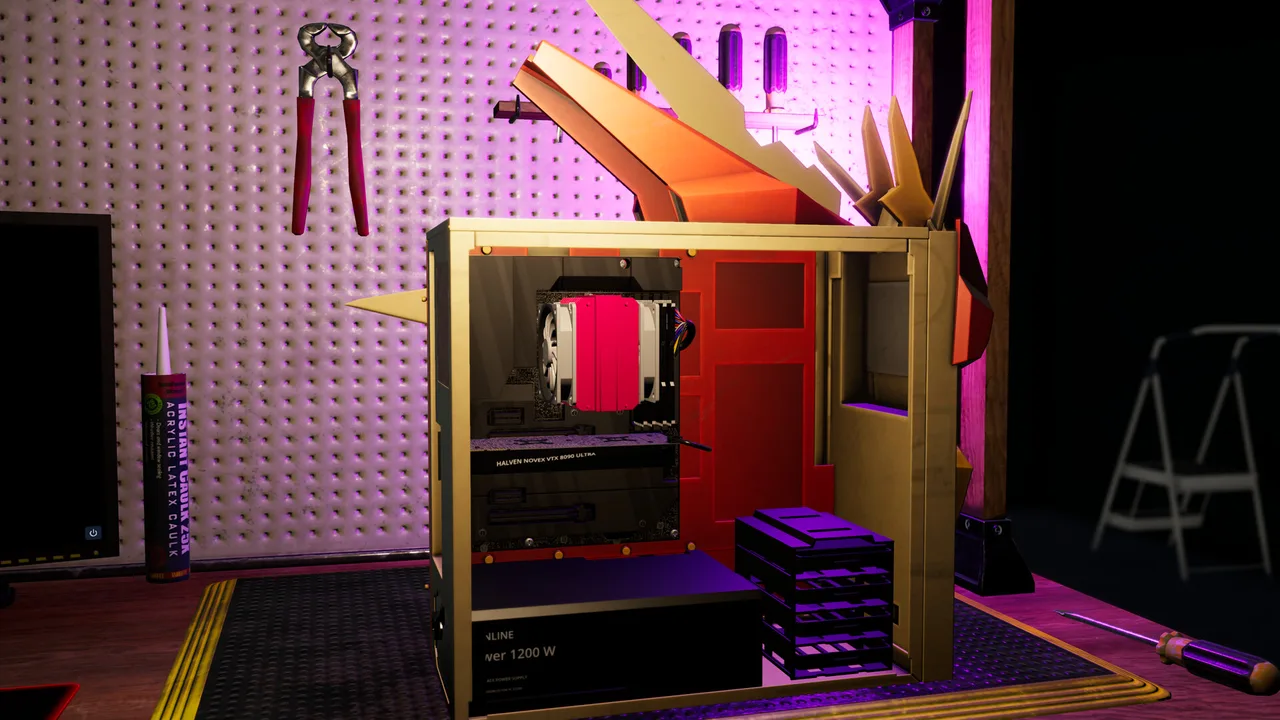
Overheating in a repair job
A customer's "it shuts down when I play" machine is usually one of three jobs:
- Dust and paste: the cooler is full of dust and the paste is dry.
- Cooler replacement: the cooler is below the CPU's tier or the fan has failed.
- Airflow: the case cannot move enough air for the parts inside.
Diagnose before quoting. If the temperature is fine at idle and climbs only under load, the cooler is the first suspect. If the machine is hot at idle, the mount or the paste is the first suspect.
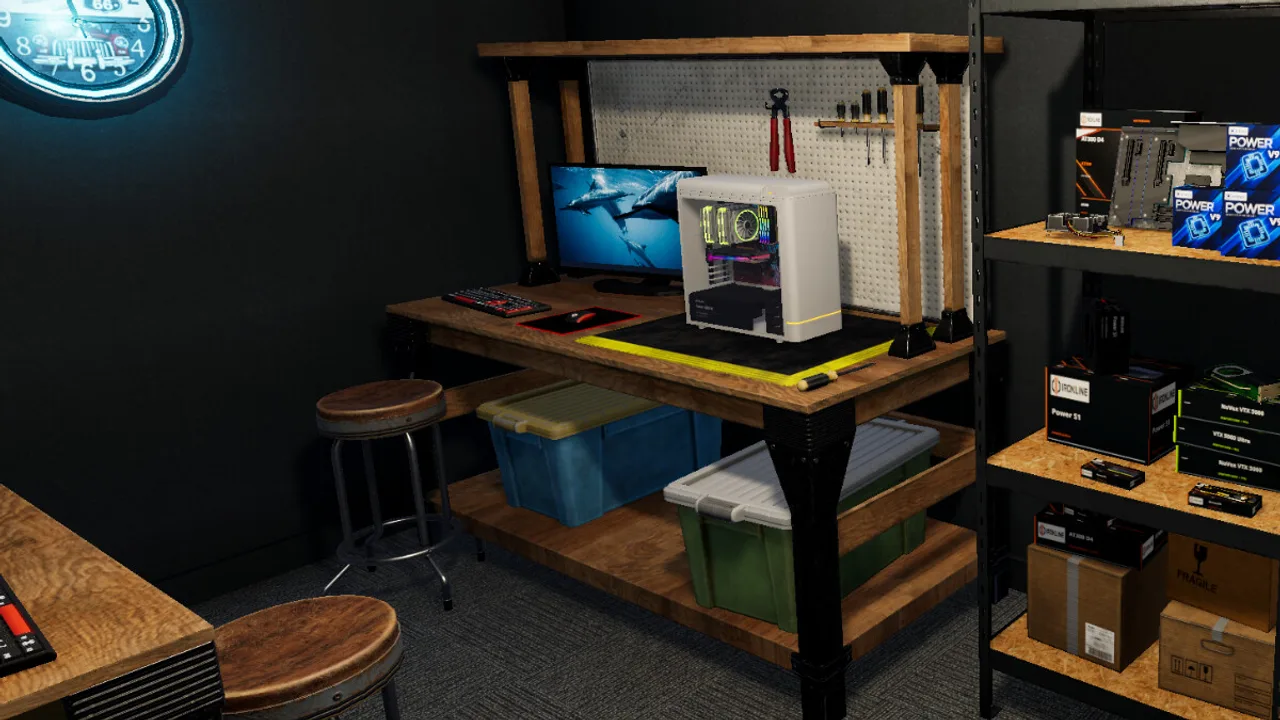
When it is not the cooler
Sometimes the temperature is a symptom, not the fault:
- Wrong CPU tier for the board: the board may not support the cooler's mounting.
- Case too small: a tall cooler cannot fit, and a smaller one cannot keep up.
- Fan not connected: the cooler is mounted but the fan never spins.
- PSU shutdown: the machine cuts off before the temperature reaches the cap.
Check the fan and the temperature graph before you replace the cooler. A fan cable is cheaper than a new cooler.
A machine that throttles in the load test will come back. Fix the cooling before the customer pays.
FAQ
What temperature is too hot in PC Store Together? 95 °C is the throttle point and 100 °C is the shutdown point. A healthy build stays below the throttle point under load.
Why does my build hit 100 °C immediately? The cooler is probably not seated or the paste is missing. Check contact before changing parts.
Does a bigger case fix overheating? Only if the problem is clearance or airflow. A bigger case with the same bad cooler mount still overheats.
Can I sell a build that throttles? You can, but it will fail the benchmark and the customer will not accept the price you want. Fix it first.
Sources and further reading
- PC Store Together on Steam ↗ —thermal simulation features.
- PC Store Together news hub ↗ —optimization and repair updates.
- Sykes Games ↗ —developer site.
- PC Store Together on SteamDB ↗ —build history.