
PC Store Together Shop Upgrades: Bench, Licences, Space
Choose the right PC Store Together shop upgrades: expand the bench, unlock licences, add display space and avoid spending reputation and cash on empty capacity.
Quick answer: Upgrade the bench when it is the bottleneck, unlock licences when customers ask for the parts, and add display space only when you have machines to fill it. Every upgrade should remove a limit you already feel.
Official source: PC Store Together on Steam ↗
The shop grows in two currencies: cash and reputation. Cash buys space and equipment; reputation unlocks better parts and customers. Spending either one on capacity you do not use slows the shop down. This page is the upgrade order. For the daily cash flow, see the money guide→.
The four upgrade types
- Bench capacity: more machines in progress at once.
- Test equipment: faster, more reliable diagnosis and load testing.
- Display space: a place to sell finished builds.
- Licences: access to higher-tier parts and products.
Each one removes a different bottleneck. The right order depends on what is stopping the shop today.
When the bench is the bottleneck
Signs:
- Every bench slot is full.
- Customers wait while a machine sits finished.
- You turn away repairs because there is no space.
Then a second station pays for itself. Do not add it while one bench sits empty for most of the day.
When licences are the bottleneck
Signs:
- Customers ask for parts you cannot stock.
- Your builds lose to a competitor's spec.
- The display machine cannot reach the next tier.
Then unlock the licence. A licence without demand is a cost; a licence with demand is an unlock. Check the parts tier list→ before paying for a tier you cannot yet build around.
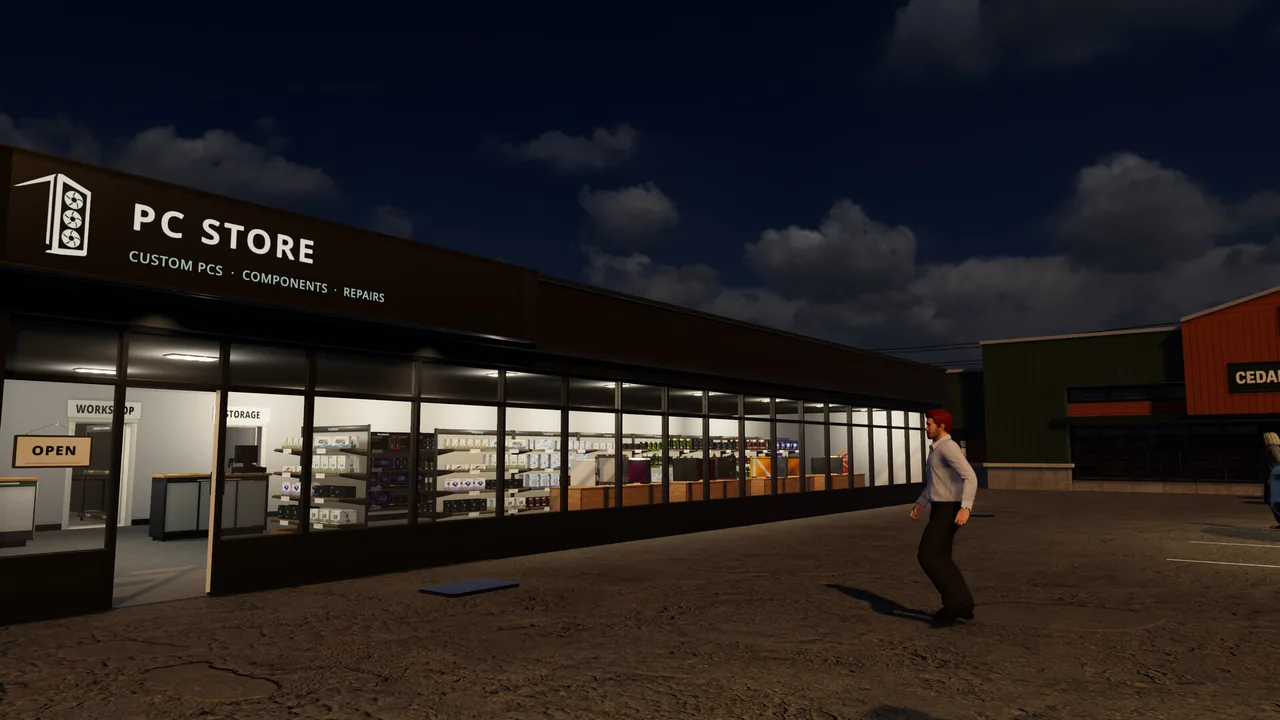
When display space is the bottleneck
Signs:
- Finished builds wait on the bench for a buyer.
- Customers cannot see what the shop can do.
- You have the cash for one showpiece and no stand.
Then add the display. A display without a finished build is an empty stand.
The upgrade order for a new shop
- Fill the first bench. Prove the repair and build loop.
- Add a second bench when the first is consistently full.
- Unlock the first useful licence when customers ask for the tier.
- Add display space when you have a build worth showing.
- Add test equipment when diagnosis time is the limit.
- Repeat only when the new capacity is full.
This order is not a rule; it is a default. If your customers are all asking for a part you cannot stock, the licence moves up.
Reputation and upgrades
Reputation is not a score to maximise. It is a gate. Completing jobs raises it, which unlocks better parts. Fast, clean repairs are the cheapest reputation in the game.
Do not refuse small jobs to chase a big one. The small jobs are what unlock the big ones.
A second bench, a display stand or a licence you do not use is money that cannot buy parts. Upgrade to remove a limit, not to feel bigger.
FAQ
What should I upgrade first? The thing that is actually blocking jobs. For most new shops, that is bench capacity.
Do licences unlock better parts? Yes, they gate the higher tiers. Unlock them when customers ask for those parts.
Is a display stand worth it? Yes, once you have a finished build to show and a cash buffer that survives the parts.
Can I skip upgrades and just build? For a while. Eventually the bench or the licence limits the jobs you can take.
Sources and further reading
- PC Store Together on Steam ↗ — shop progression features.
- PC Store Together news hub ↗ — shop and licence fixes.
- Sykes Games ↗ — developer site.
- PC Store Together on SteamDB ↗ — update history.