
PC Store Together Stock Guide: Avoid Dead Stock
Manage PC Store Together stock: buy what customers ask for, read the per-unit price, keep shelf space free and use Order Missing Parts without over-ordering.
Quick answer: Buy stock only for jobs you already have or products customers ask for. Read the per-unit price, not the box price, keep shelf space free and use the missing-parts order for builds instead of guessing.
Official source: PC Store Together on Steam ↗
Stock is the shop's working capital in physical form. A shelf of boxes feels like progress and behaves like a cash freeze. The stock screen makes bulk buying tempting because the per-unit price drops. The question is not the discount; it is whether those units will sell before the cash is needed elsewhere. For the cash rules, see the money guide→.
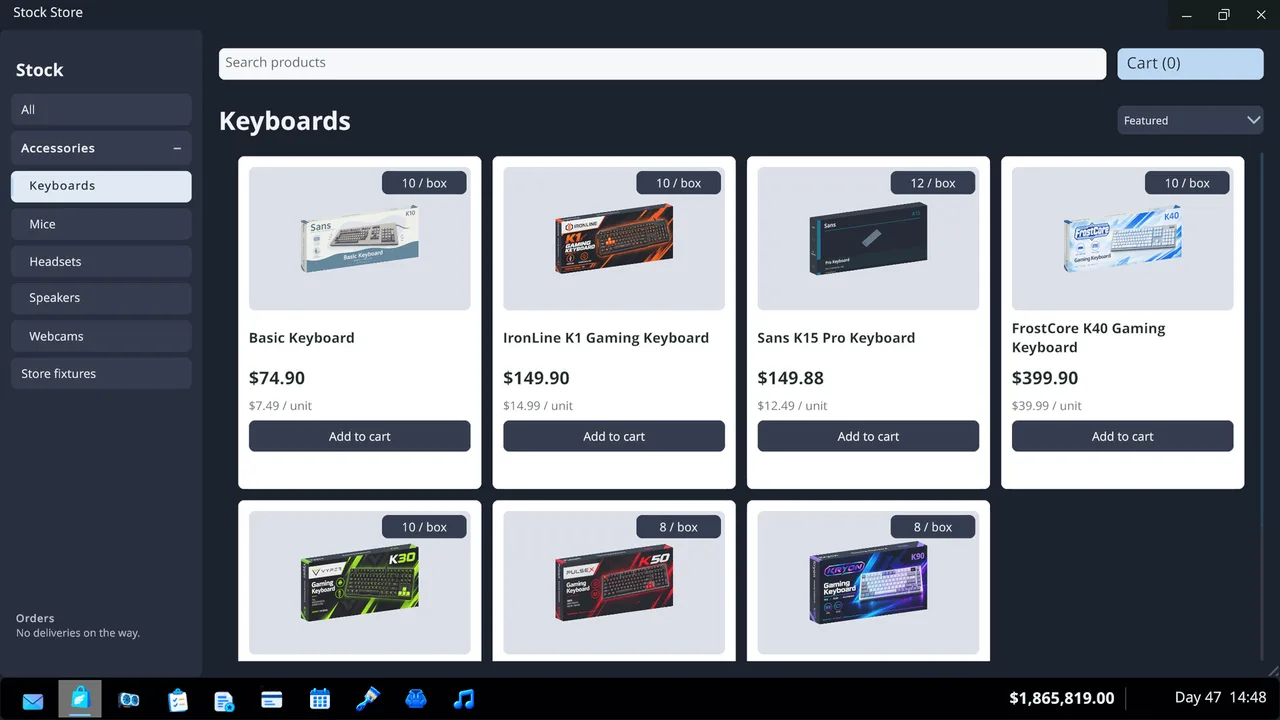
Box price versus unit price
The stock screen shows both:
- Box price: what you pay for the whole box.
- Unit price: what each item costs when the box is split.
A box of ten at a lower unit price is only cheaper if you sell all ten. If you sell two, the remaining eight are cash sitting on a shelf. Read the unit price, then ask how many the shop will actually move this week.
What to stock
Stock falls into three groups:
- Consumables and services: paste, fans, cables, the parts every repair uses.
- Fast-moving accessories: keyboards and mice that customers add at checkout.
- Build parts: the components for the machines you are actually building.
Buy group one steadily. Buy group two in small quantities until you know the demand. Buy group three per build, not in advance.
When to use Order Missing Parts
The build screen can order the parts a build is missing. That is the right tool for a custom build because it buys exactly what the machine needs.
Watch the scope: the order covers the build, not the boxes already on the shelf or in the stock store. If a part is already in stock, check whether the build recognizes it before you order a second one.
Shelf space is a resource
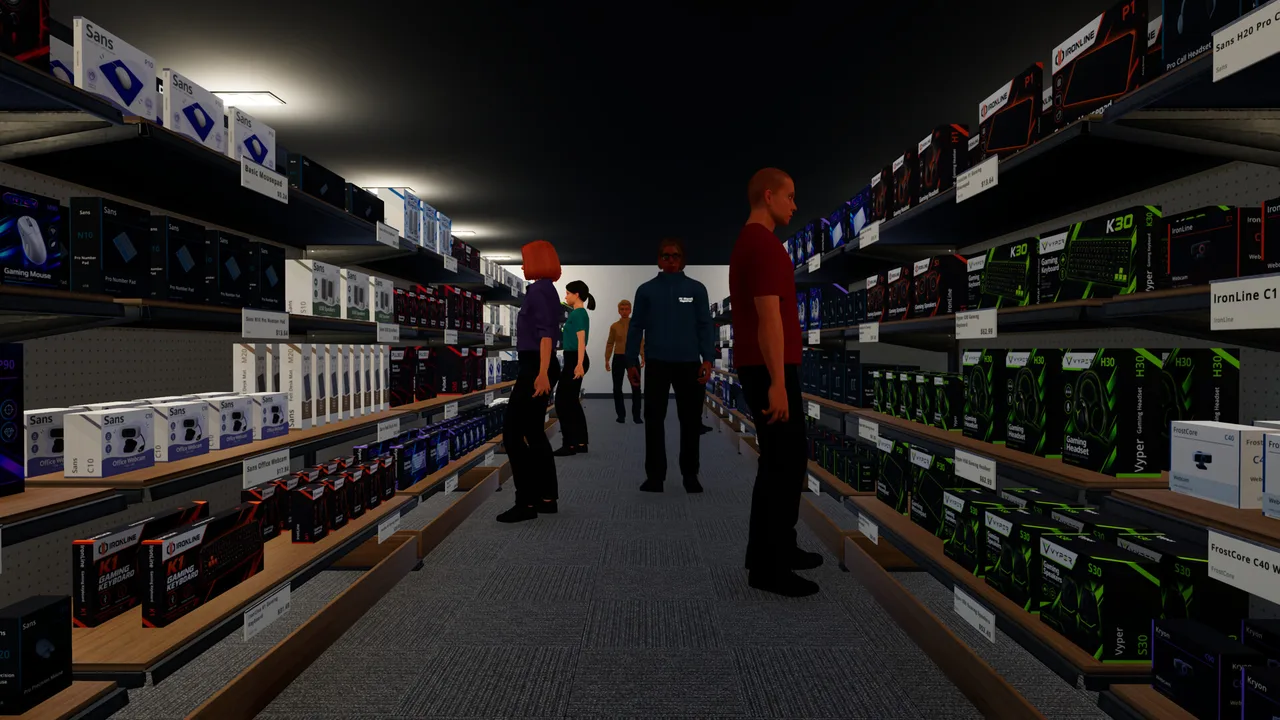
A full shelf is not automatically a good shelf. Keep space for:
- The parts for the current build.
- The next stock delivery.
- The accessories customers actually buy.
If the shelf is full of slow stock, the fast stock has nowhere to go. Clear the slow items before the next order.
The over-ordering mistakes
- Buying a box because the unit price is low. You are buying units, not a discount.
- Stocking a premium accessory with no customers. It sits until the price drops.
- Ordering parts for a build you have not accepted. The cash leaves before the job pays.
- Ignoring the stock store. Parts already on the shelf are money already spent.
Stock and reputation
Better reputation unlocks better parts. Do not buy a shelf of high-tier components before the customers who want them exist. Unlock the tier, then stock to demand.
The same rule applies to display machines: a premium build with no buyer is a showpiece, not revenue. The display guide→ covers that balance.
Cash in boxes cannot buy the part the next customer needs. Keep the buffer.
FAQ
Should I buy the cheapest box? Only if you will sell the units. Compare the unit price and the realistic sell-through, not the box discount.
How much stock should I keep? Enough for the current jobs and a small buffer of fast movers. Everything else is dead capital.
Why did Order Missing Parts buy a part I already had? The shelf and stock store may not count as build inventory. Check what the build recognizes before ordering.
Does stock expire? Parts do not spoil, but the cash they tie up could have funded a better job.
Sources and further reading
- PC Store Together on Steam ↗ —stock and shop features.
- PC Store Together news hub ↗ —stock-order fixes.
- Sykes Games ↗ —developer site.
- PC Store Together on SteamDB ↗ —update history.